AthLink
The control centre for your timing.
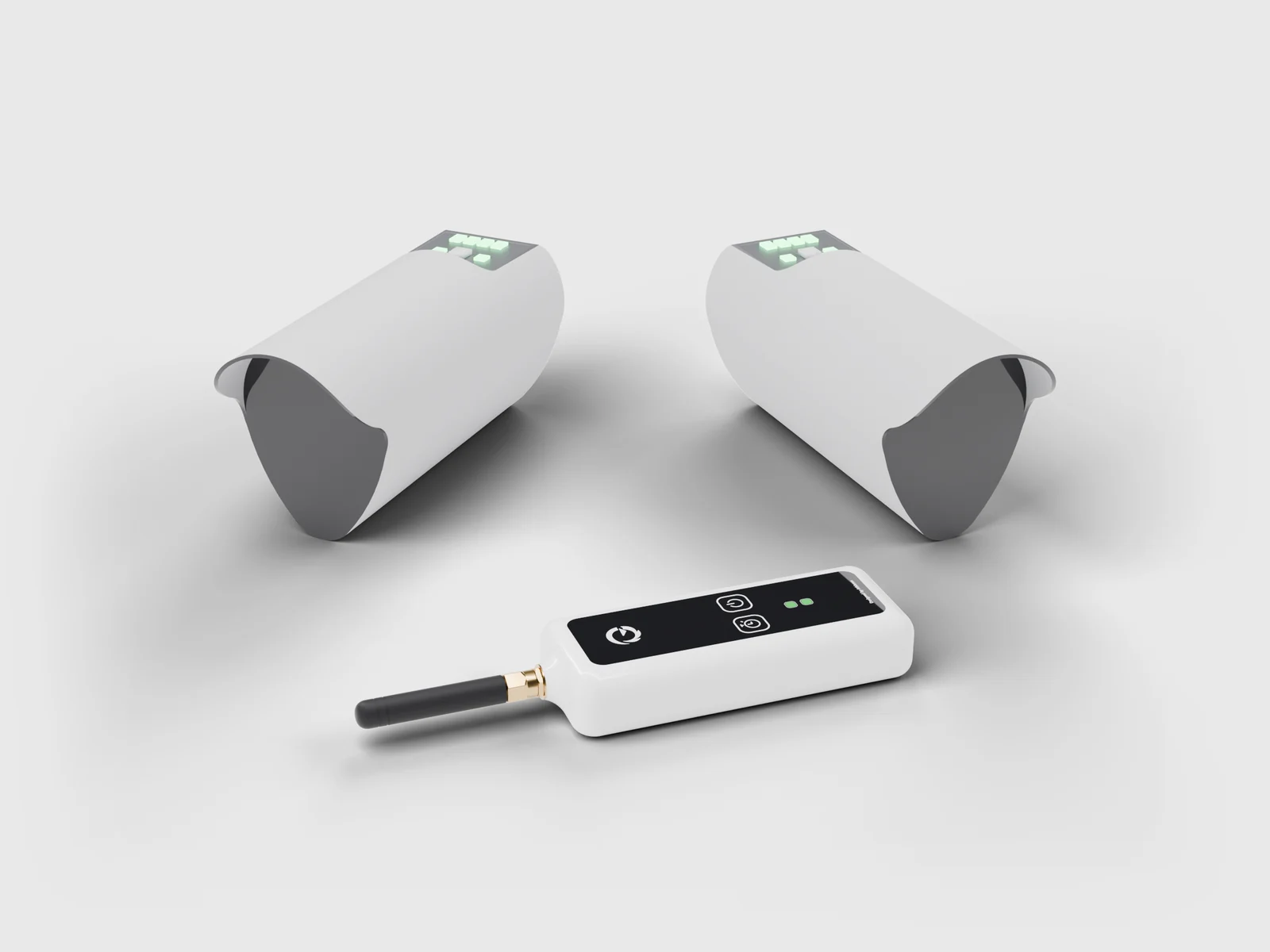
From €329, or in the kit with two Sauron photocells

Eight photocells. Two and a half kilometres. One phone.
AthLink receives Sauron photocell times over radio and sends them to your smartphone over Bluetooth. In real time, with no cables, even without internet.
Fits in one hand.
External antenna. Real range.
Ready for the field.
AthLink by the numbers.
From finish line to phone. In an instant.
- 01Sauron detects the pass.The beam breaks and the time is logged to the millisecond.
- 02AthLink receives it over radio.LoRa at 433 MHz, up to 2.5 km in open field.
- 03You read it on your phone.Bluetooth connection to AthLink: no router, no network.
External antenna. Range without compromise.
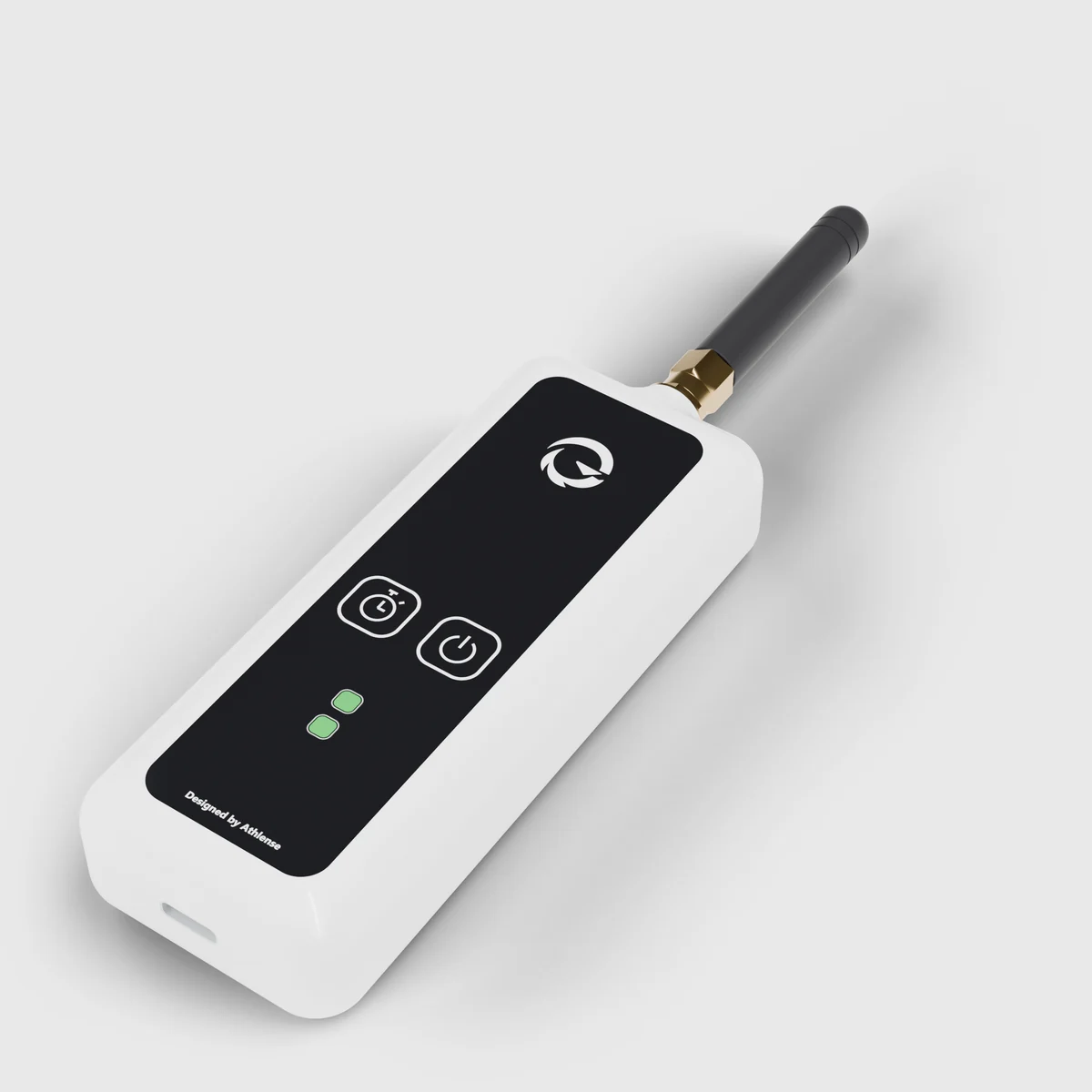
Brass SMA connector and a dedicated 433 MHz antenna. The body — about 107 × 41 × 20 mm — fits in one hand and in any training bag. The front is glossy black acrylic.

Two buttons. Two lights. Nothing else to learn.
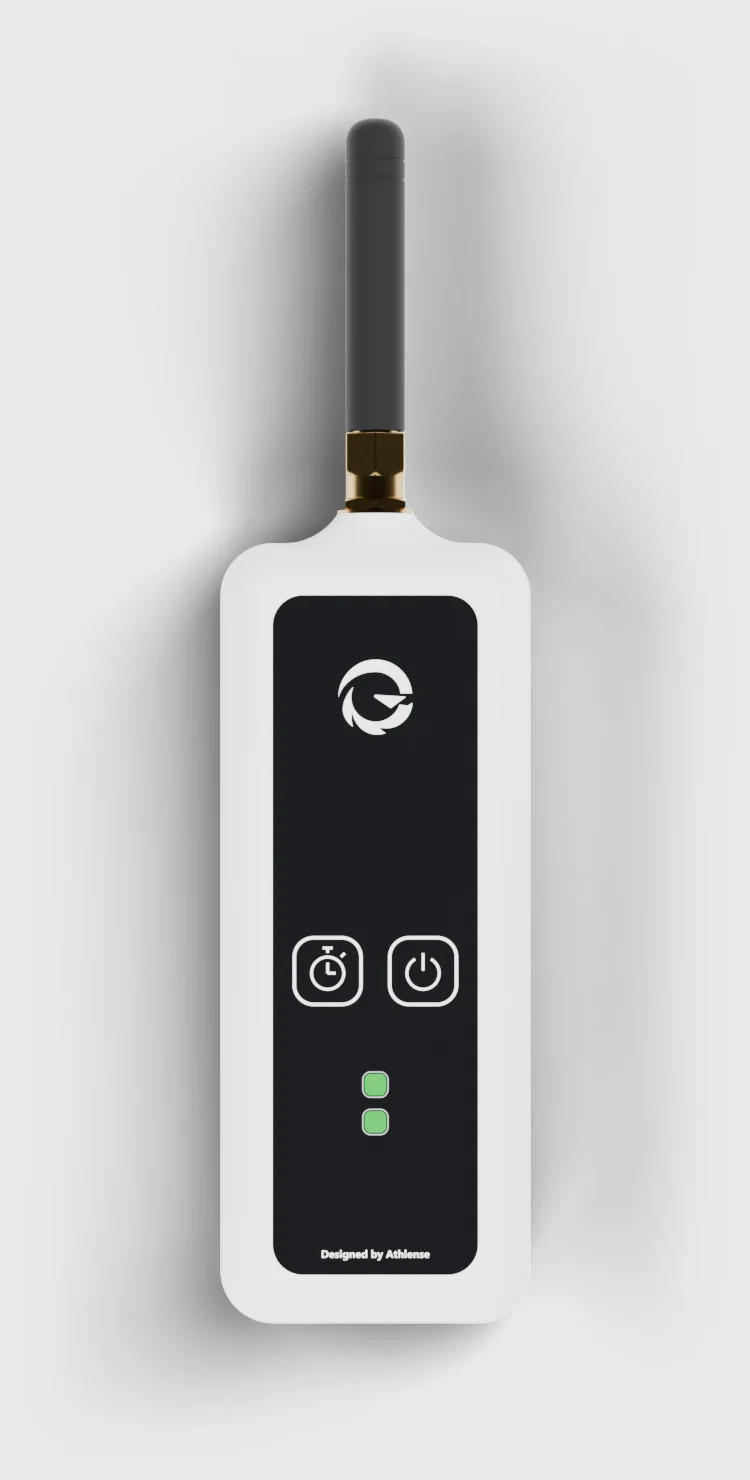
- 1433 MHz SMA antenna. Removable, for maximum range.
- 2Stopwatch button. Manual finish or DNF for the run in progress.
- 3Power button. Turns AthLink on and off.
- 4Status LEDs. Device on top, network below.
The stopwatch button
Some functions are available directly on AthLink, without the phone.
- Single press
- Marks the run in progress as DNF.
- Double press
- Manual finish: ends the run in progress at the time of the press.
- Long press
- Opens pairing for new photocells, without going through the app.
- Long press at power-on
- Restores factory settings.
Two LEDs, two answers
- GreenBattery charged
- YellowBattery below 20%
- RedBattery below 5%
- Blinking yellowFault
- GreenNetwork live, devices connected
- YellowNetwork live, no devices
- RedNetwork not ready yet
Glossy black acrylic front.
A shell designed to resist splashes.
Inside, ESP32 and LoRa radio on one board.
Ready in under a minute.
- 01Switch on.Hold the power button. The bottom LED turns yellow: the network is ready.
- 02Connect.Open the Athlense app and connect AthLink over Bluetooth. No router needed.
- 03Go.Switch on the photocells near AthLink: they pair automatically and the LED turns green.
Every time, the moment it happens.
Follow and manage the whole session from the phone you already own. Times, photocells and network: all in one app.
Works wherever you train.
Tech specs
- Size and weight
- Body about 107 × 41 × 20 mmAntenna about 51 mm, SMA connectorWeight about 100 g
- Connectivity
- Bluetooth LE to the smartphoneWi-Fi for firmware updates onlyNo router needed
- Radio
- LoRa 433 MHz, EU licence-free bandUp to 2.5 km in open field*Continuous reception
- Devices
- Up to 8 at onceAutomatic recognitionCoordinated anti-collision network
- Data
- Live times on your phoneOver 10,000 events on boardCSV export
- Battery
- 2500 mAh Li-ionUp to 14 hours of useUSB-C, charges in about 1.5 hours
- Controls
- Stopwatch button (4 functions)Power buttonDevice LED and network LED
- Resistance
- Designed for IP54**Dust and water splashesIndoor and outdoor use
- Updates
- Firmware updates from the appSafe dual copyNew features over time
- App
- iOSAndroid
- In the box
- AthLink and SMA antennaUSB-C cableUser manual plus safety and compliance informationPower adapter not included
Size and weight
Connectivity
Radio
Devices
Data
Battery
Controls
Resistance
Updates
App
In the box
Choose how to start.
Prices include VAT.
Frequently asked questions
All answers in Support ›Do I need AthLink to use Sauron?
Yes: AthLink receives the times from the photocells over radio and sends them to your phone.
Do I need an internet connection?
Not for timing: AthLink and the photocells work even where there is no signal. A connection is needed to sign in, sync sessions and use Athlense Live.
How many photocells can I connect?
Up to 8 devices at once on the same AthLink network.
What if a photocell misses a pass?
If the finish pass is missing, double-press the stopwatch button on AthLink to end the run at the time of the press (manual finish), or press it once to mark the run as DNF; otherwise the run closes as DNF when the set limit expires. If the start is missing, you can start the run manually from the app, where you can also correct the passes of each run.
Does it work with iPhone and Android?
Yes, the Athlense app is available for iOS and Android.
* Range measured in open field with no obstacles; it may vary with the environment.
** AthLink is designed for IP54 protection (dust and water splashes). Certification in progress.
Battery life and charging time depend on use and environmental conditions. Weight is approximate.